Seedance 2.5 Features: What Changed in Video Length and More Control
Explore Seedance 2.5 features from its official announcement, including longer videos, reference control, targeted editing, and practical tests for creators.
Guides and perspectives for making better work with generative media.

Explore Seedance 2.5 features from its official announcement, including longer videos, reference control, targeted editing, and practical tests for creators.

Use New Year AI video prompts to plan fireworks, reflective city scenes, and personal greetings, then add exact countdown numbers and your 2027 message later.

Explore Christmas AI video prompts for snow globes, cozy windows, festive products, and greeting cards, with clear motion and space for your message in editing.

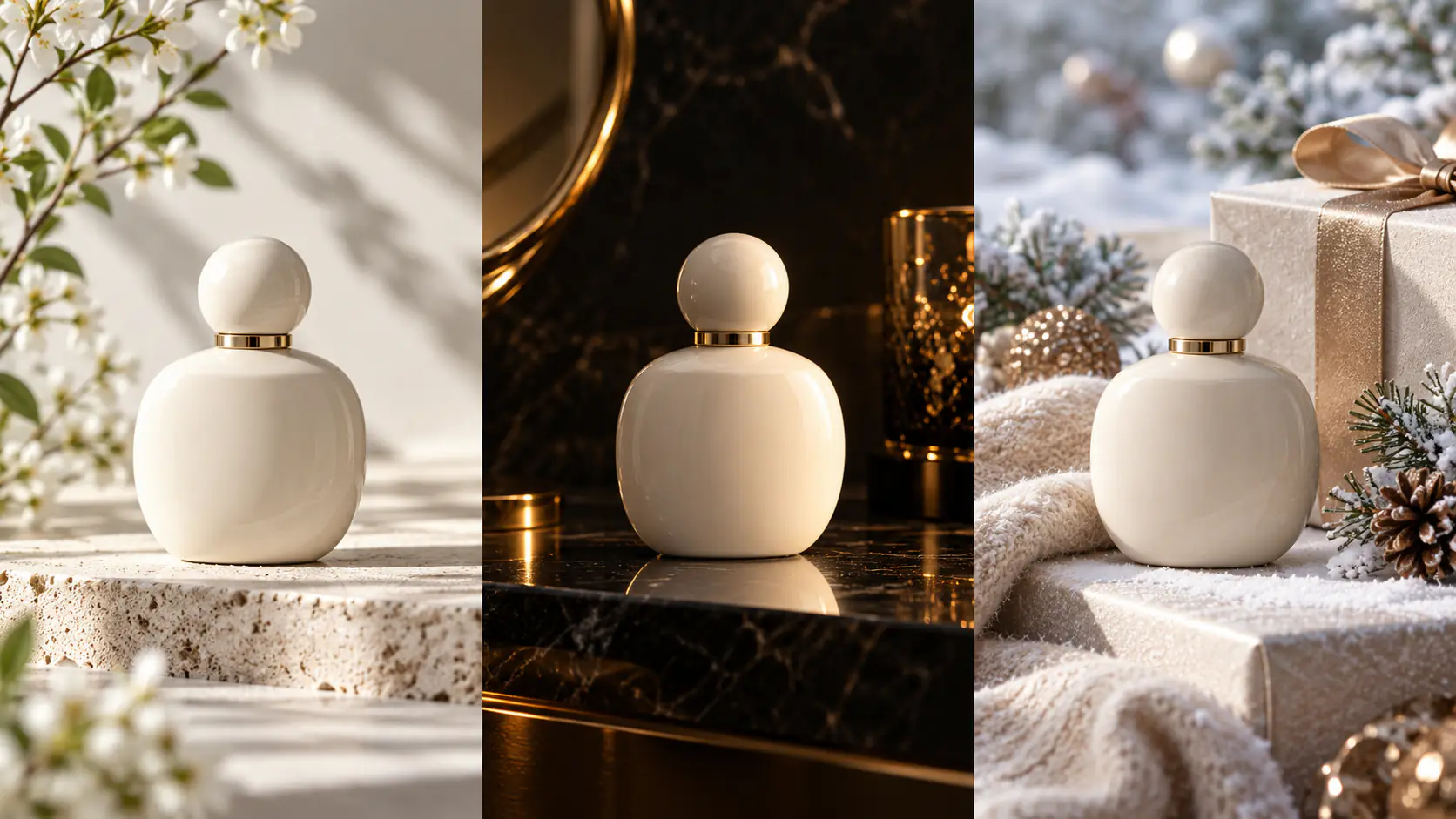
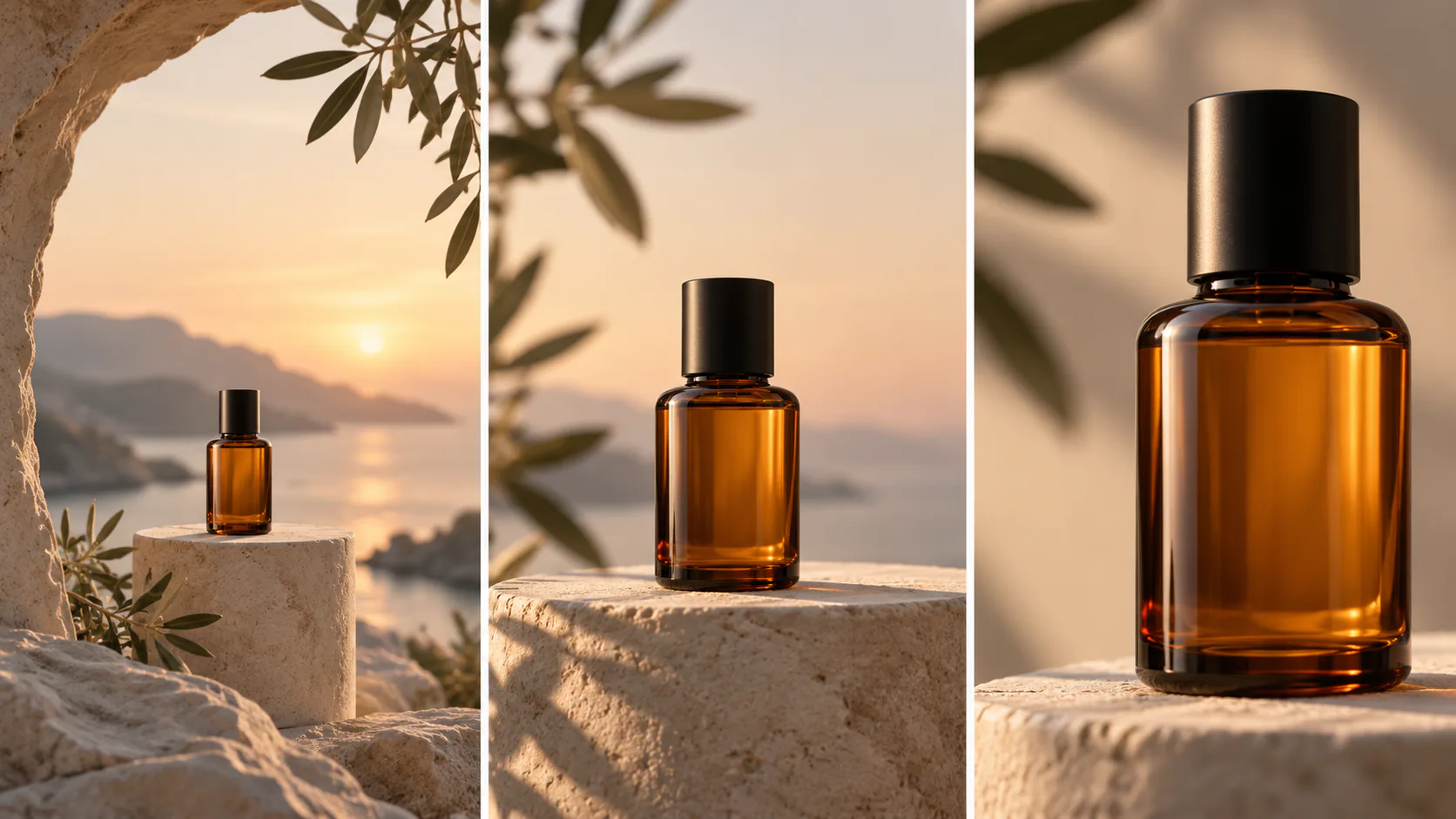
AI product photography prompts help you explore lighting, surfaces, and campaign compositions. These six original styles show how to define the image's purpose while keeping the real product's shape, packaging, and important details central to the review.

Plan Black Friday video ad prompts around product reveals, gift sets, and mobile ads, then add accurate prices, sale dates, and clear offer text during editing.

Explore Diwali AI video prompts for glowing diyas, festive tables, and personal greetings, with thoughtful visual details and clear animation directions to try.

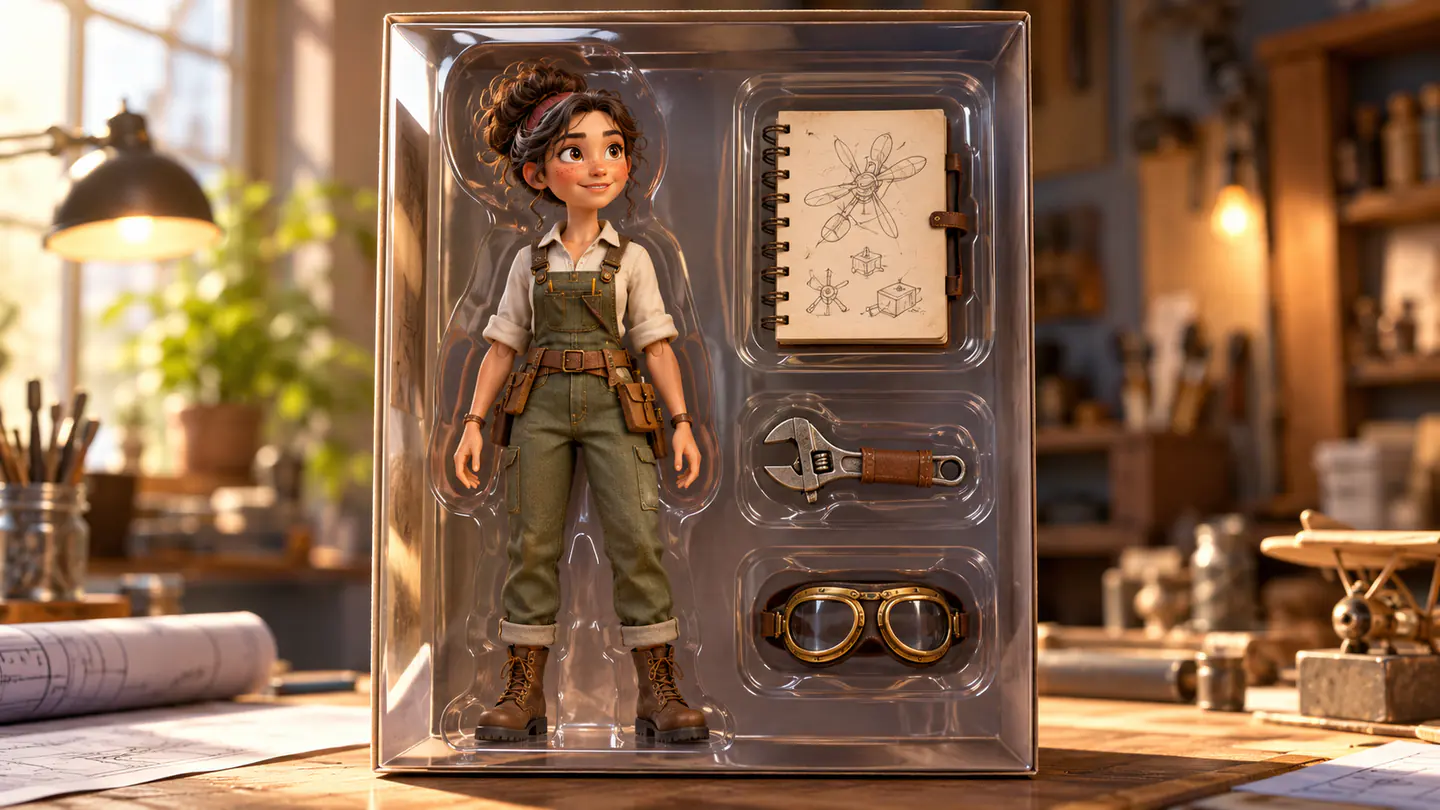
Use AI action figure prompts to design original toy portraits, organize accessories and packaging, and plan a short animation while checking visual consistency.

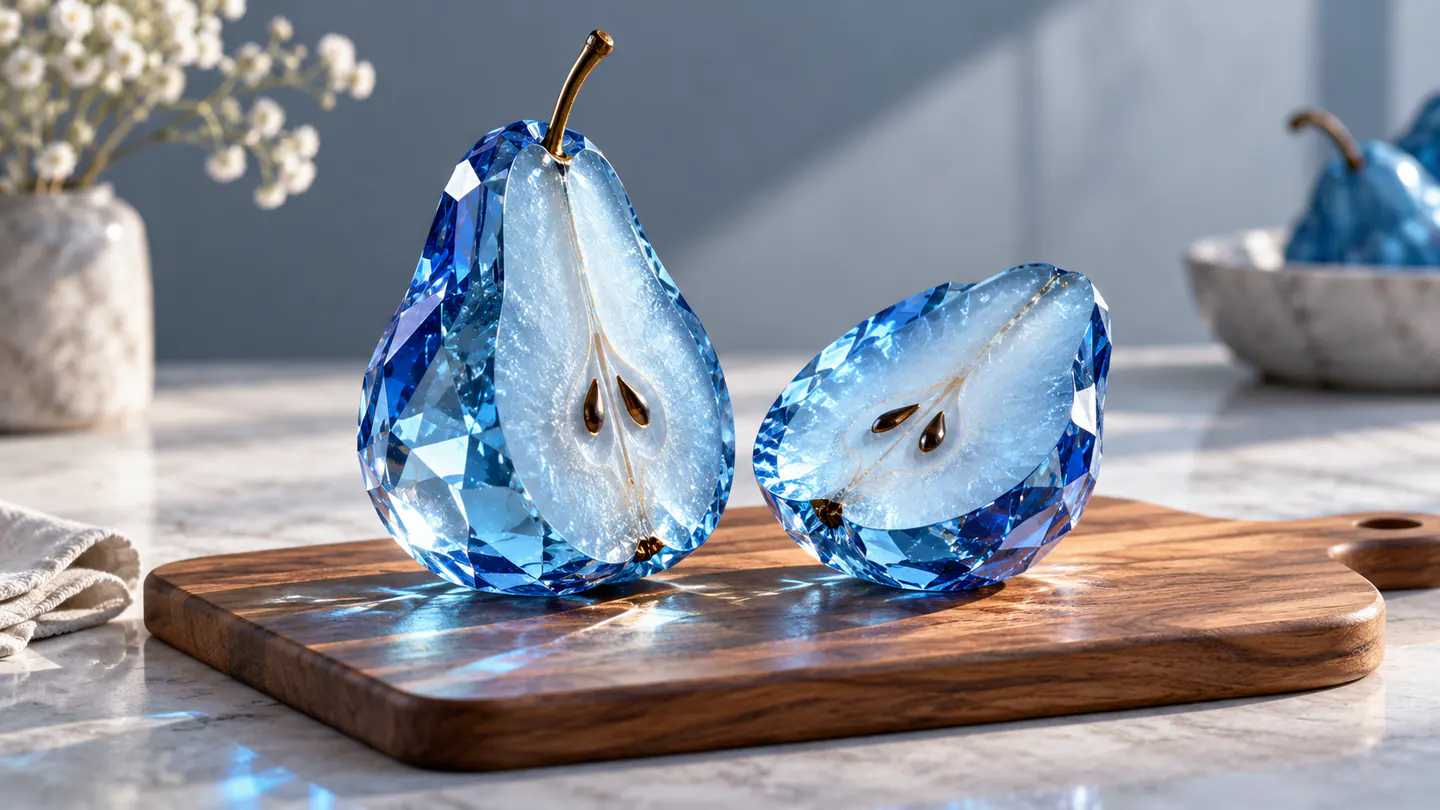
Create AI ASMR prompts for crystal fruit, soft textures, and impossible foods, with one action, camera, and audio directions you can refine after each attempt.

Explore Halloween AI video prompts for haunted gardens, ghostly rooms, and quiet suspense, with camera directions and practical checks for each original scene.

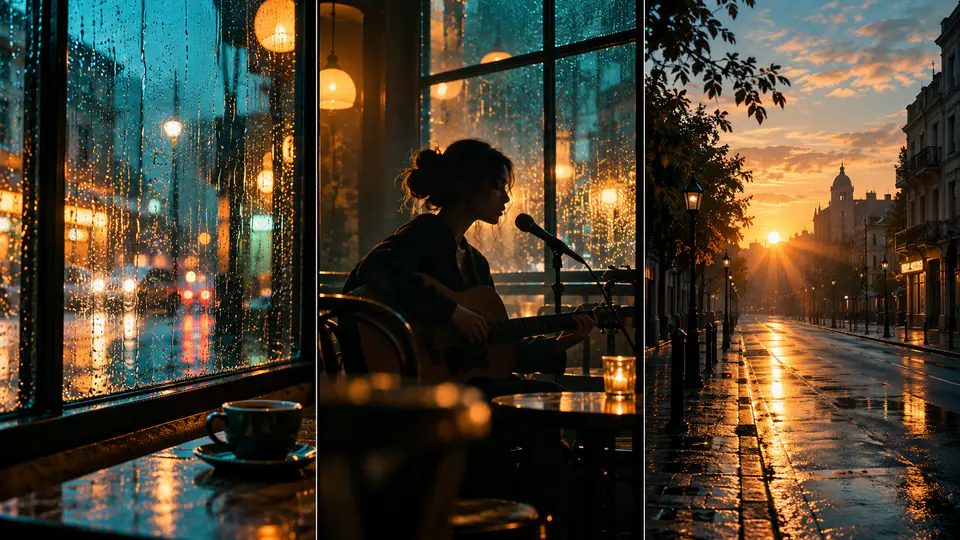
Follow an AI music video tutorial built around a storyboard, reference images, original scene prompts, and an editing process that matches visuals to your song.

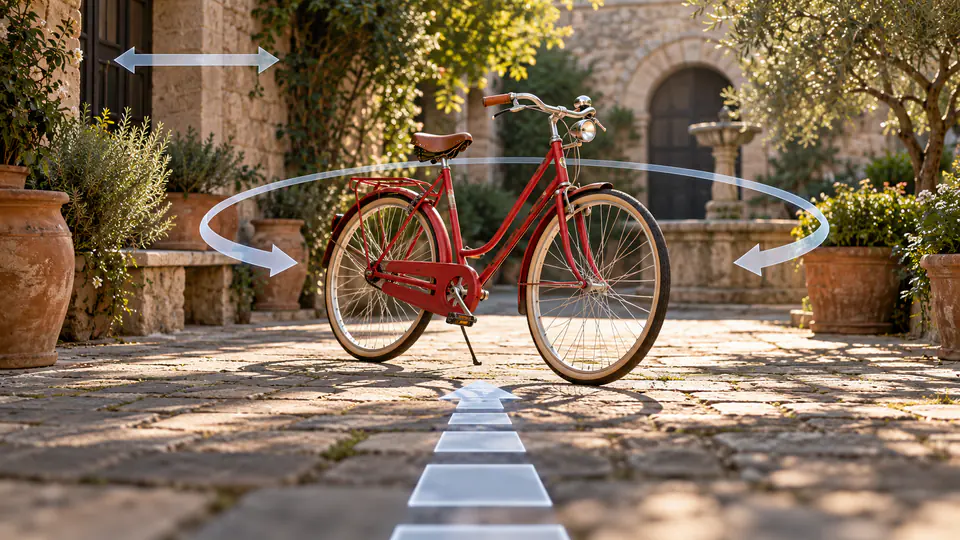
Write AI camera movement prompts that describe the shot clearly, distinguish pans from tracking, and help you test orbits, push-ins, and dolly zoom effects.

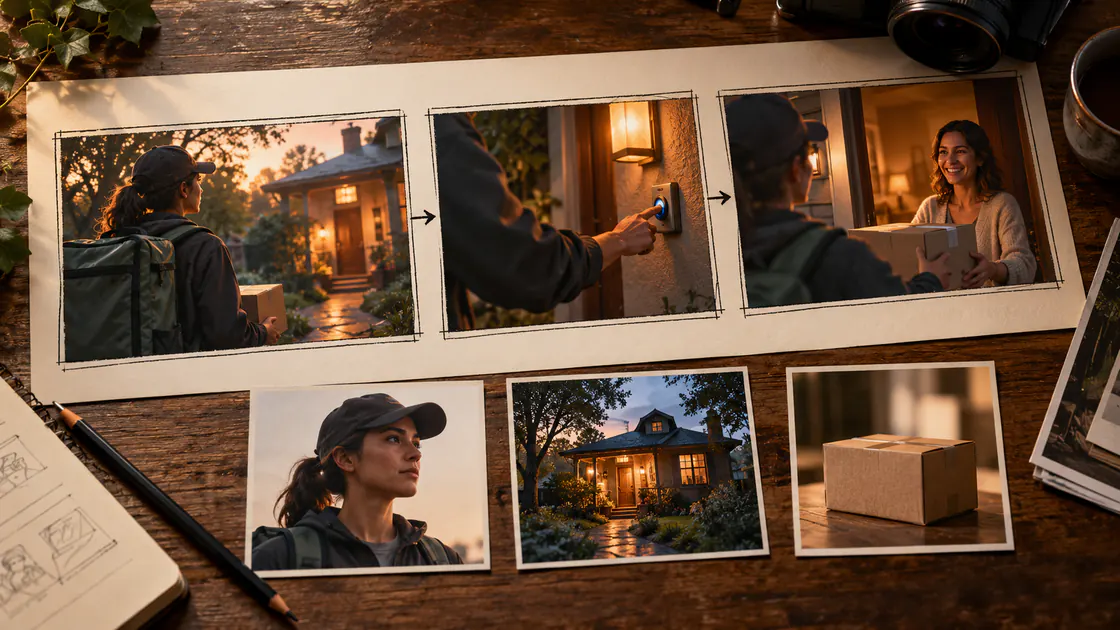
Follow an AI product video tutorial that turns clean product photos into short ad scenes, with motion prompts, label checks, and a practical editing workflow.