New Year AI Video Prompts: Scenes for 2027 Greetings and Countdowns
Use New Year AI video prompts to plan fireworks, reflective city scenes, and personal greetings, then add exact countdown numbers and your 2027 message later.
Quick Summary
New Year AI video prompts can create a background for a 2027 greeting, a countdown, or a reflective year-end message. These six original scenes separate atmosphere from exact numbers and wording, which are added and checked during editing.
Choose Celebration or Reflection
Decide what the video should communicate. A countdown needs a clear area for large numbers. A personal greeting may center on a photograph. A business message may need a recognizable product or brand setting.
Write a short brief: “Create a celebratory city scene with space for a 2027 greeting.” An attractive output still needs to serve that purpose.
For a reflective message, reduce activity and choose a clear focal point. A quiet rooftop, desk, or sunrise can give the text room without requiring fireworks.
Key Takeaways
- Choose one message and audience.
- Reserve space for the greeting or counter.
- Begin with restrained visual movement.
- Add the exact year and countdown in an editor.
- Review the complete sequence at normal speed.
Six New Year AI Video Prompts
1. Fireworks above the city
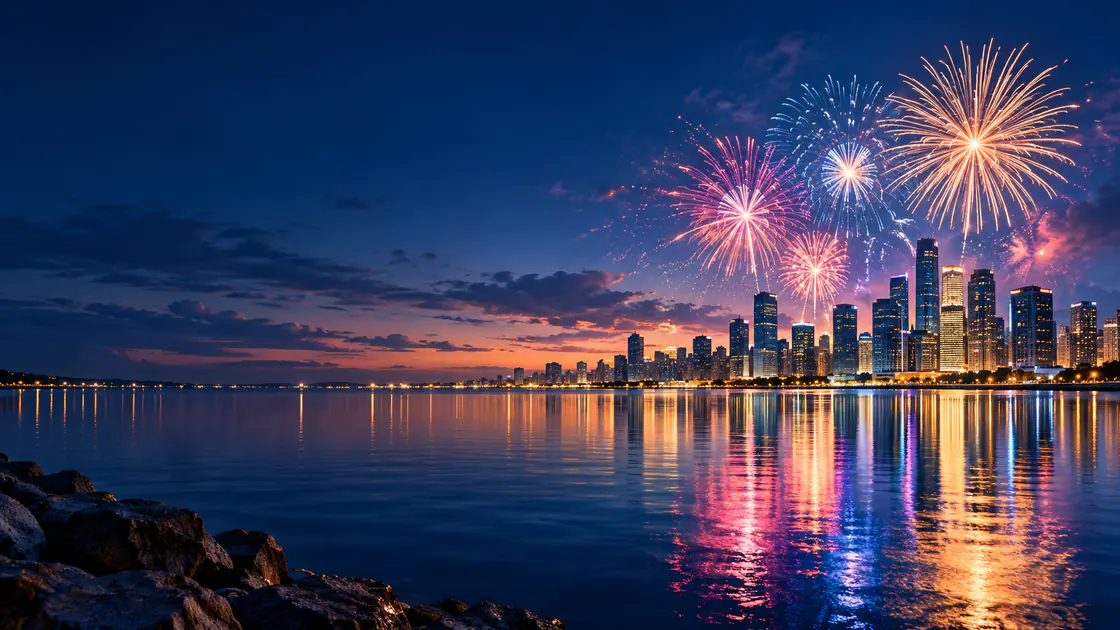
A city skyline appears across a calm river at night. A few fireworks bloom above the buildings and fade gradually, with soft reflections moving on the water. The camera stays fixed, and the lower composition remains quiet for a greeting added later.
Best for: A celebratory background.
Review: Stable buildings and reflections that match the visible bursts.
2. A quiet rooftop moment
A person stands on a rooftop looking across the city's evening lights. A gentle breeze moves their coat slightly. The camera makes a short approach from behind, preserving the person's silhouette and leaving the open sky visible above the buildings.
Best for: A reflective personal message.
Review: Clothing continuity and a restrained camera path.
3. Closing the year's notebook
A closed notebook and a pen rest on a tidy desk beside a warm lamp. Light moves gently across the cover as the camera makes a short downward approach. The objects stay stationary, creating a calm background for a year-end message.
Best for: A thoughtful closing or thank-you.
Review: Clean object shapes and space for the text.
4. The first sunrise
The camera holds a wide view of a quiet horizon. Warm sunlight gradually reaches the foreground while thin clouds move slowly across the sky. The composition stays steady, creating a peaceful transition into the new year.
Best for: A hopeful greeting.
Review: Gradual light progression and stable landscape details.
5. A personal photo greeting
Preserve the people and composition in the reference photograph. Introduce a gentle glow in the surrounding decorative lights while the camera stays fixed. Keep faces, clothing, and poses stable, with a clear area for a personal greeting added during editing.
Best for: A family or friendship message.
Review: Identity remains recognizable throughout the clip.
6. A product celebration
The reference product stands on a simple dark surface. A small amount of metallic confetti drifts in the background while the item stays stationary. The camera makes a short push toward it, leaving room beside the product for a campaign message.
Best for: A business greeting.
Review: Product shape and confetti separated from important details.
Review AI Fireworks Video Prompts
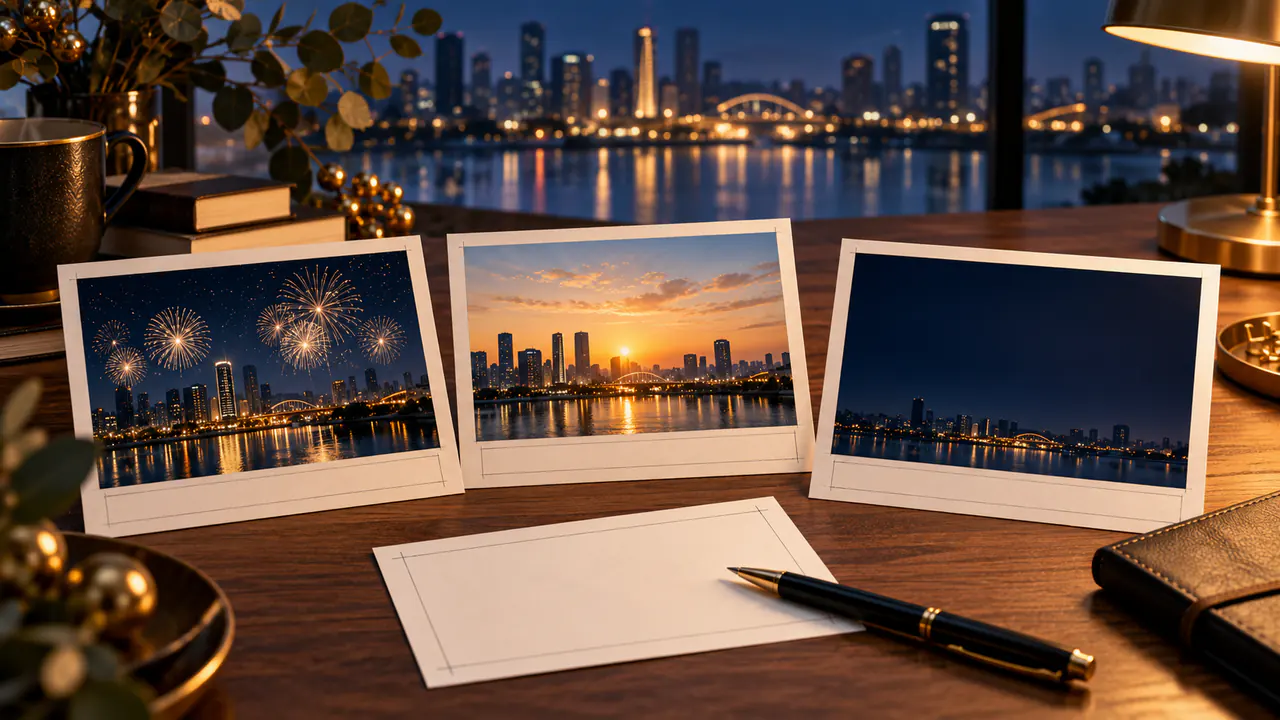
Fireworks create several changes at once: flashes, expanding shapes, smoke, and reflections. Start with a few bursts and a fixed camera so the scene remains easy to evaluate.
Watch the skyline beneath the action. If buildings shift or the river's reflections appear disconnected, simplify the prompt or choose another candidate.
AI fireworks video prompts also need a usable text area. If the display fills that area, revise placement or use a different composition.
These examples are proposed starting instructions rather than tested outputs. Keep a record of the actual results so later revisions target a specific issue.
Build a 2027 Countdown Video in Four Steps
- Generate the background. Explore the scene in Pitovee's video workspace, checking the selected model's reference and framing controls.
- Select the coherent section. Trim weak openings or endings only when the remaining clip serves the message.
- Add exact digits and wording. Create “3,” “2,” and “1” as editable elements, followed by the approved 2027 greeting.
- Review the export. Check sequence, readability, audio timing, and the complete ending.
Do not rely on the generated background to act as a precise timer. An editable counter or checked graphic provides direct control when exact timing matters.
Use enough contrast for the numbers to remain readable through bright flashes. Preview the actual export, not just a paused frame.
Finish an AI New Year Greeting Video
Choose a concise message suited to the audience. A personal greeting can mention the recipients; a business message may thank customers and look ahead.
Check that the final year is 2027 and that any names or dates are correct. Give the message enough time to read without pausing.
Review the audio and visual together. A dramatic sound can fit a celebration, while a reflective scene may benefit from quieter timing.
If the video repeats, inspect the join from ending to opening. Save the accepted background separately from the editable text so you can make another version without rebuilding the visual scene.
FAQ
Can the model create accurate countdown numbers?
Do not depend on generated numbers for the final sequence. Editable digits give you more direct control.
Does every New Year video need fireworks?
No. A sunrise, city view, or personal photograph can communicate the occasion.
Can one background support several greetings?
Yes, when its composition leaves room for different wording and suits each audience.
Conclusion
New Year AI video prompts provide atmosphere for 2027 greetings and countdowns. Choose one scene idea, preserve its important details, and add exact numbers and wording in an editor. Finish by reviewing the complete message from the opening image to the final greeting.
Related articles
Explore Christmas AI video prompts for snow globes, cozy windows, festive products, and greeting cards, with clear motion and space for your message in editing.
Black Friday Video Ad Prompts: Six Product Scenes for Sale CampaignsPlan Black Friday video ad prompts around product reveals, gift sets, and mobile ads, then add accurate prices, sale dates, and clear offer text during editing.
Diwali AI Video Prompts: Six Warm Greeting Scenes with Diyas and LightExplore Diwali AI video prompts for glowing diyas, festive tables, and personal greetings, with thoughtful visual details and clear animation directions to try.